Key points at a glance
- Your own portraits build more trust than stock photos; stock images are suitable for symbolic motifs at most.
- Get the usage rights granted in writing, expressly including your Google profile, social media and print.
- Photos of employees only with consent; plan in advance what happens to the images when someone leaves.
- No files, screens or client names may be readable in any image.
- Compress images, serve them at a suitable size and add alt texts: for loading speed, accessibility and image search.
This post is general information, not legal or tax advice for your individual case. Laws, professional guidelines and chamber fees change: check the details with your chamber, the relevant authority or your professional association before you make a decision.
Why your own photos achieve more than stock images
Anyone looking for a firm is looking for a person they can trust with a divorce, a tax audit or the sale of a house. On the home page, the team page and the Google profile, people look at faces first. The smiling model with a headset or the scales of Justice against a blue sky are familiar to visitors from dozens of other sites. Such images say nothing about your firm, and some even seem dishonest when completely different people sit at the table at the first appointment.
Then there is professional law: all chamber professions may only provide factual and truthful information. A stock photo showing a large team in a glass office, when you actually work alone in a period apartment, creates a false impression. Your own photos are therefore not only more likeable but also safer.
| Your own photos | Stock images | |
|---|---|---|
| Trust | show the real contacts and premises | interchangeable, often seen on many websites |
| Professional law | truthful and factual if they show the firm as it is | risk of a false impression about size or team |
| Google profile | Google requires photos that actually show the business | unsuitable for the profile |
| Cost | one shoot, usable for years | cheap, but check the licence terms for each image |
| Useful for | portraits, team, entrance, meeting room | neutral symbolic images, for example for guide articles |
Which motifs you need
Half a day with a photographer is enough for most firms. Plan the motifs in advance so that you don't end up with twenty almost identical portraits and not a single picture of the entrance on the memory card.
- Individual portraits of all professionals and of employees with client contact, each in portrait and landscape format, with a calm, consistent background.
- One or two group photos, and for small firms also a picture of two people in conversation.
- Work situations, such as a meeting at the table, staged with colleagues rather than with real clients.
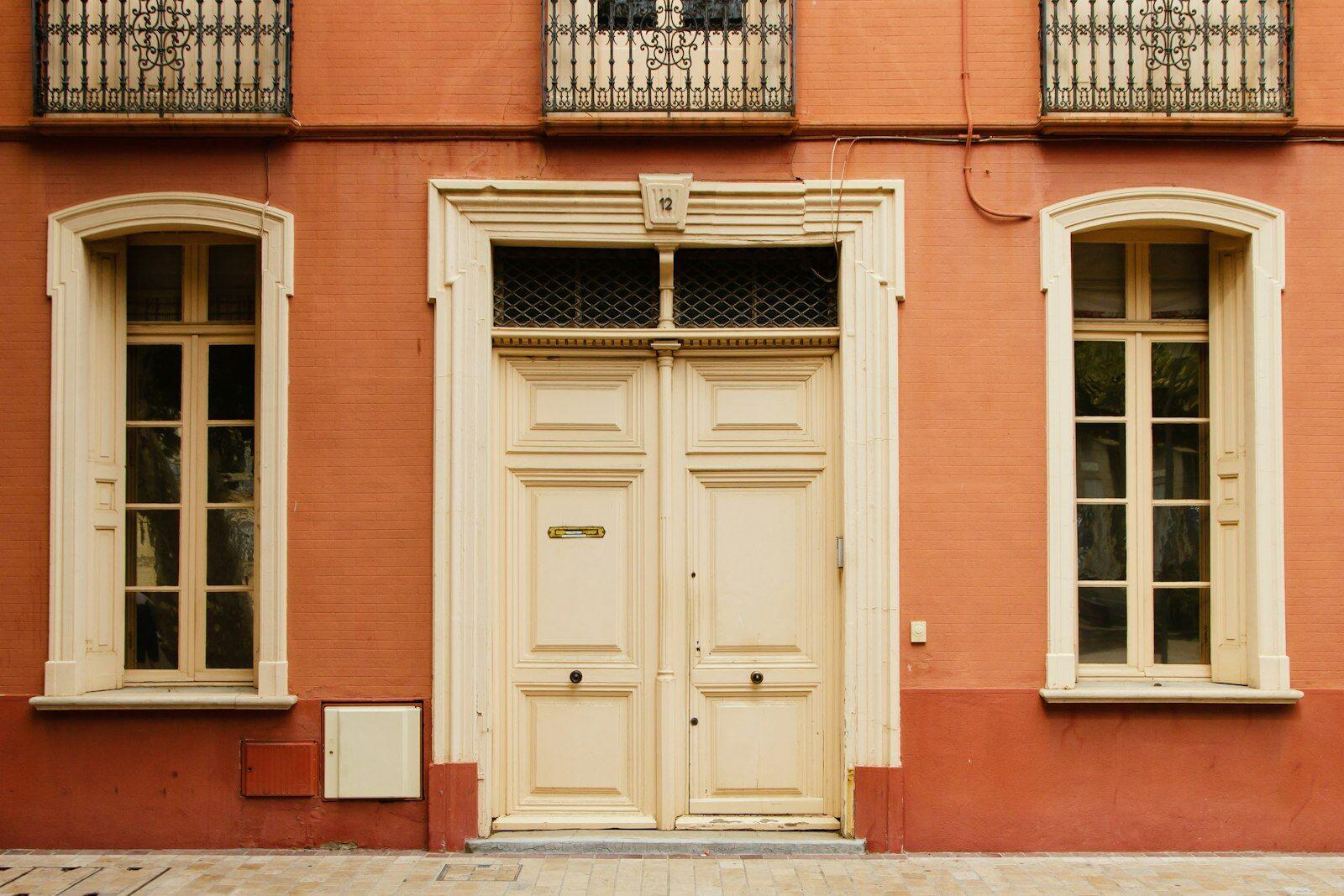
- Entrance and facade, so that clients can find the door at their first appointment. This picture also belongs in the Google profile.
- Meeting room and reception, tidy and in daylight.
- Details that suit the firm: the door plate, a bookshelf, the view. They break up pages without seeming generic.
Briefing the photographer properly
Define the use
Write down where the images will appear: website, Google profile, LinkedIn, brochure, press release. Formats, crops and the scope of the usage rights depend on this.
Set the visual style
Show two or three examples you like: bright or rather dark, formal or relaxed, with or without a jacket. A consistent background and the same lighting turn individual pictures into a team.
Prepare the location
Clear desks, shelves and screens beforehand. Files go into the cupboard, monitors show nothing or a neutral background, and folder spines are turned to the wall.
Schedule per person
Allow about ten to fifteen minutes per portrait and put the group pictures at the beginning, while everyone is still there and fresh.
Selection and editing
Agree who selects the pictures, how much retouching is done and in which formats you receive the files: high resolution for print plus a web-optimised version.
Usage rights: what the contract must say
Paying for a photo does not give you all the rights to it. The copyright stays with the photographer; you receive usage rights, in Germany under § 31 UrhG, in Austria as a licence (Werknutzungsbewilligung) or exclusive right of use (Werknutzungsrecht) under § 24 UrhG. Anything not expressly agreed is, in case of doubt, not granted. So clarify in writing:
To settle in the photographer's contract
- Media: website, Google Business Profile, social media (LinkedIn, Instagram), newsletter, print
- Duration: unlimited in time, so you don't have to remove the portrait after three years
- Territory: without restriction, because the internet has no borders
- Editing: cropping, colour adjustment and cut-outs allowed
- Passing on: to your web agency, publishers, event organisers and chambers, for example for a speaker photo
- Credit: whether and where the photographer is named, for example in the legal notice
Consent of employees
A portrait is personal data, and a picture of a person may not simply be published. In Germany, § 22 KUG requires the consent of the person depicted; in Austria, § 78 UrhG protects their legitimate interests. On top of that comes the GDPR. So obtain written consent from everyone who is photographed, naming the specific uses: website, Google profile, social media, print.
In an employment relationship, voluntariness is a delicate point. Make it clear that no one has to take part and that saying no has no consequences. Consent under the GDPR can be withdrawn at any time with effect for the future (Art. 7(3) GDPR). Whoever withdraws disappears from the website; you don't have to pulp brochures that have already been printed.
No files, no screens
The duty of confidentiality applies to pictures too. A file spine with a client's name on the shelf, a readable tax assessment on the table or a screen showing an open client account is a breach, even if it is only visible when strongly enlarged. High-resolution photos can be zoomed into a long way, and Google profile pictures are visible to everyone.
How to get it right
- Clear desks and shelves before the shoot
- Switch monitors off or show a neutral image
- Use colleagues or acquaintances as extras for meeting scenes
- Check every image at full size before publishing it
Better avoid
- Show real clients without their express consent
- Leave files, tax assessments, contracts or mail in the picture
- Photograph whiteboards with notes or appointment calendars
- Publish photos of court hearings or notarisations with the parties involved
For notaries, the presentation should additionally remain factual. Photos of the notary, the team and the premises are unproblematic; staged advertising pictures with slogans are not. More on this in the articles on advertising for notaries in Austria and in Germany.
Image size, format and alt texts
Photos are usually the largest part of a web page. A portrait straight from the camera at 8 MB makes the team page load slowly on a phone, and Google rates slow pages worse. Ask the photographer for a web version alongside the originals, or reduce the images yourself.
| Use | Recommendation |
|---|---|
| Website, portrait | as wide as the largest display size, doubled for high-resolution screens; 800 to 1,200 pixels are usually enough |
| Website, large header image | around 1,600 to 2,400 pixels wide, heavily compressed |
| File format, website | WebP or AVIF, with JPEG as a fallback; the website serves the right size for each screen |
| File size, website | portraits ideally under 200 KB, header images under 400 KB |
| Google profile | JPG or PNG, 10 KB to 5 MB, 720 × 720 pixels recommended, at least 250 × 250 pixels |
| File name | descriptive, for example “steuerberaterin-anna-berger.jpg” instead of “IMG_4711.jpg” |
Every image with content needs an alt text: screen readers read it aloud, it appears when an image does not load, and it helps Google understand the image. Describe what can be seen, for example “Lawyer Mag. Eva Huber at the meeting table”, instead of piling up keywords such as “lawyer divorce Vienna best firm”. Purely decorative images get an empty alt attribute so that screen readers skip them. Why this also matters legally is explained in the article on accessibility; how images affect loading time is covered in the guide on page speed.
A consistent look
A team of seven portraits taken over five years by three photographers looks like a patchwork. So decide once how your pictures should look, and write the guidelines down so that new colleagues can be photographed to match later.
Image guidelines for the firm
- Same background and same lighting for all portraits
- Same crop, for example head and shoulders with a little space above the head
- A consistent dress code, for example no patterns and no large logos
- Colour grading that matches the website's colours
- One photographer who comes back for latecomers
- Renew photos every three to five years or after visible changes
Use the same portraits in your email signature, on LinkedIn and at talks, so that people recognise you everywhere. What should appear next to the photo on the team page is described in the article The firm's team page; which photos belong in the Google profile is covered in the guide to the Google Business Profile.
Your photos, presented well
Our firm websites embed your portraits at the right size, with alt texts and a consistent crop. Request a free preview with your own photos.
A no-obligation preview of how your firm website could look with us.
Sources
- Google – Photo and video guidelines for the Business Profile
- Google Search Central – Image SEO best practices
- W3C WAI – An alt Decision Tree
- Kunsturhebergesetz § 22 (right to one's own image)
- Urheberrechtsgesetz § 31 (granting of usage rights)
- RIS – UrhG § 78 (protection of portraits)
- General Data Protection Regulation (EU) 2016/679
- RIS – UrhG § 24 (Werknutzungsbewilligung and Werknutzungsrecht)
- Google – Terms of Service (licence to your content)