
Key points at a glance
- Google measures user experience with three Core Web Vitals: LCP (loading), INP (responsiveness) and CLS (visual stability).
- Good means LCP up to 2.5 seconds, INP up to 200 milliseconds, CLS up to 0.1, measured across 75 per cent of real visits.
- INP replaced the older FID metric in March 2024; guides that still mention FID are out of date.
- The most common culprits on firm websites: huge photos, page builders, sliders, plugins, external fonts and cookie scripts.
- Fast pages mainly help people; for rankings, relevance counts more, while speed can tip the balance between comparable pages.
This post is general information, not legal or tax advice for your individual case. Laws, professional guidelines and chamber fees change: check the details with your chamber, the relevant authority or your professional association before you make a decision.
Why loading time matters for professional firms
People looking for a firm usually have a specific problem: a dismissal, a deadline from the tax office, an appointment with a notary. Many search on the go on their smartphone, often with a patchy connection. At that moment, a slow page feels like an engaged phone line. Searchers rarely come back; they call the next firm on the list.
For Google rankings, loading time is one factor among many. Google itself says that search always aims to show the most relevant content, even if the page experience is sub-par. A fast page with thin content will not overtake a slow page with an excellent guide to inheritance law. But if several firms in your town have similarly good pages, a good page experience can make the difference. The more important reason remains: anyone who does not wait for the page will not call either.
The three Core Web Vitals and their thresholds
Google sums up the experience of loading a page in three metrics, the Core Web Vitals. What is assessed is not the average but the 75th percentile: a page counts as good if at least three out of four real visits meet the threshold. Mobile and desktop are assessed separately.
| Metric | What it measures | Good | Needs improvement | Poor |
|---|---|---|---|---|
| LCP (Largest Contentful Paint) | When the largest visible element has loaded, usually the header image or the headline | up to 2.5 s | up to 4 s | over 4 s |
| INP (Interaction to Next Paint) | How quickly the page responds to clicks and taps, for example when opening the menu | up to 200 ms | up to 500 ms | over 500 ms |
| CLS (Cumulative Layout Shift) | How much content shifts around while loading | up to 0.1 | up to 0.25 | over 0.25 |
INP replaced the earlier FID metric (First Input Delay) in March 2024. FID only measured the delay of the very first input; INP looks at all clicks, taps and keystrokes throughout the visit. Websites that used to score well can therefore struggle with INP today, especially if lots of scripts run in the background.
Measuring with PageSpeed Insights and Search Console
Two free tools from Google are enough for most firms. The key is the difference between two kinds of data: field data comes from real Chrome users over the last 28 days, lab data from a simulated page load. Google's assessment is based on field data; lab data is useful for tracking down problems.
Open PageSpeed Insights
Enter the address of your home page at pagespeed.web.dev, then that of an important subpage, such as your page on employment law or payroll. Check the “Mobile” tab first.
Read the field data
At the top you see whether the page passes the Core Web Vitals. If your website has too few visits, PageSpeed Insights shows values for the whole domain or no field data at all. That is normal for smaller firms and not an error.
Use the diagnostics
Below comes the Lighthouse analysis with specific pointers: oversized images, render-blocking scripts, unused code. The score from 0 to 100 varies from run to run; pay more attention to the individual pointers.
Set up Search Console
The “Core Web Vitals” report in Google Search Console groups similar pages together and shows mobile and desktop separately. After a fix you can start validation; Google then monitors the real data for 28 days.
Test on a real device
Open the website on an older smartphone over mobile data, not just on the office computer on fibre. What feels sluggish there feels sluggish to your clients too.
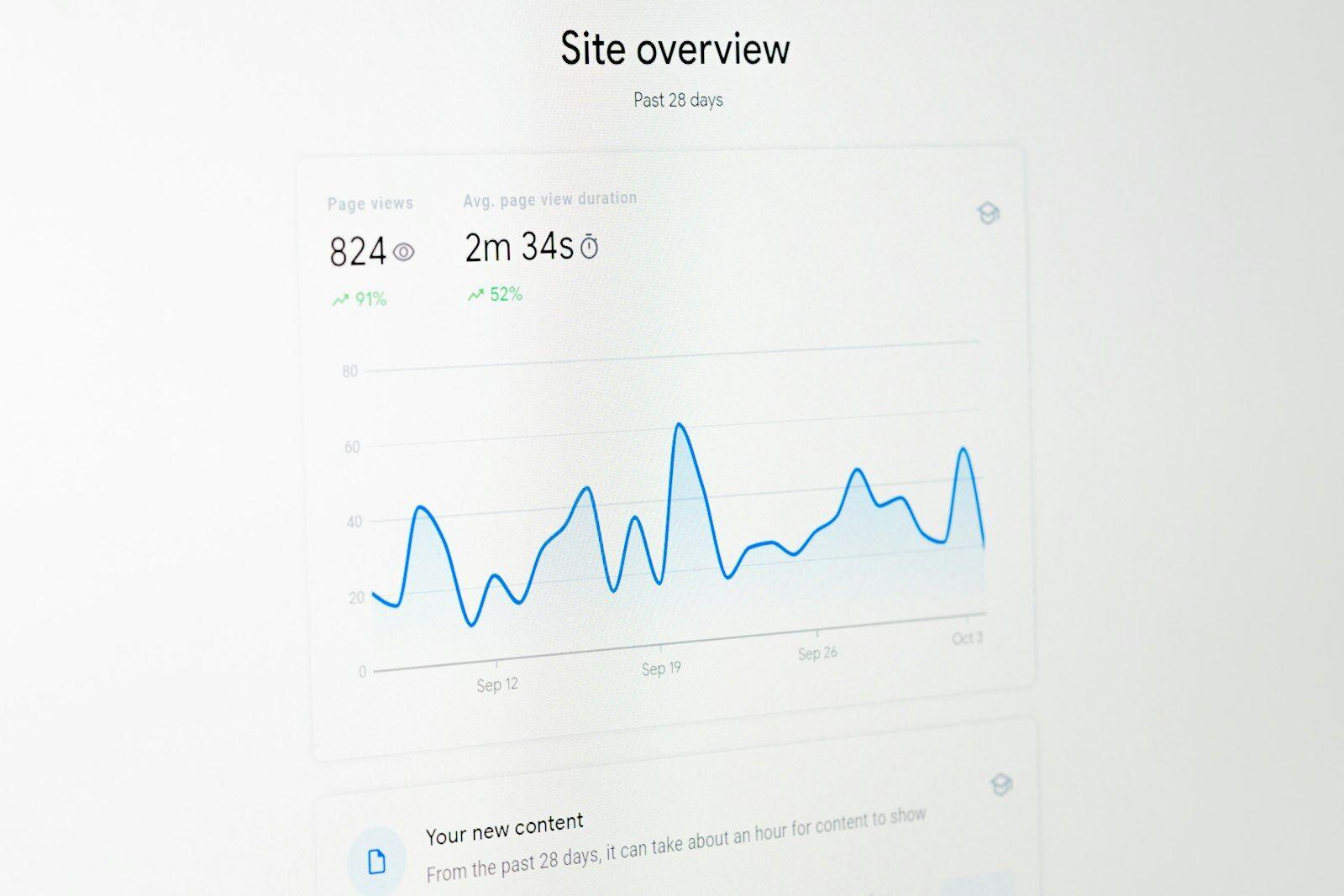
Typical culprits on firm websites
Firm websites are usually manageable in size: home page, practice areas, team, contact, legal notice. Even so, many are surprisingly slow. The causes keep repeating.
| Cause | Typical example | Metric affected |
|---|---|---|
| Huge photos | A team photo straight from the camera at 8 MB, scaled down to 600 pixels in the browser | LCP |
| Page builders and heavy themes | A builder theme loads code for dozens of features you never use | LCP, INP |
| Slider on the home page | Five large rotating images, all loaded straight away | LCP, CLS |
| Lots of plugins | One plugin each for the form, gallery, map, animations and statistics | INP, LCP |
| External fonts | Three font families in six weights from a third-party server | LCP, CLS |
| Cookie banner and tracking | A consent tool that loads before everything else, plus advertising and analytics scripts | LCP, INP, CLS |
| Embedded maps and videos | A Google Maps map and a YouTube video that load immediately with the page | LCP, INP |
External fonts are not just a speed problem. In 2022, the Munich Regional Court I (LG München I) (case no. 3 O 17493/20) ruled that a website loading Google Fonts from Google's server without consent, and thereby passing on visitors' IP addresses, breaches the GDPR. Fonts served from your own server are faster and avoid this problem. Embedded maps are similar: a preview image with a “Load map” notice is faster and more privacy-friendly than a map that loads with every page view.
What really helps
How to get it right
- Resize photos to the size actually displayed before uploading and serve them as WebP or AVIF
- Specify width and height for images so the space is reserved while loading
- Load images further down the page only when scrolling, but the header image immediately
- One, at most two font families, served from your own server
- Load maps and videos only after a click
- Clear out plugins and scripts regularly: what nobody misses goes
Better avoid
- A slider with five images as the header of the home page
- Lazy-loading the header image so it appears last
- Installing yet another plugin for every little thing
- Embedding tracking scripts whose reports nobody looks at
- Full-resolution background videos that nobody needs on a phone
- A cookie banner that pushes in over the content after loading and displaces it
On firm websites, the header image is almost always the largest element and therefore the LCP. A calm photo of the team or the offices at a sensible size loads quickly and says more than a slider of stock images of scales and section signs. Tips for good shots can be found in the guide to photos for your firm website.
With the cookie banner, the fundamental question is worth asking: do you need the scripts that require consent at all? Statistics without cookies and without advertising tracking save scripts, loading time and often the banner itself. The legal position is set out in the guide to the cookie banner for professional firms; how to measure your website's success anyway is covered in measuring website success.
Hosting and technology
Even the best page loads slowly if the server takes a long time to respond. This time to first byte (TTFB) is not a Core Web Vital, but it is part of every LCP value. As a rough guide, Google gives a TTFB of 0.8 seconds or less. Cheap shared hosting plans, where hundreds of websites share one server, do not always manage this reliably.
- Server location in the EU: short distances for your clients and simpler in terms of data protection.
- Caching: pages are delivered ready-made instead of being assembled from a database on every request.
- Current protocols and compression: HTTP/2 or HTTP/3 and compressed transfer are standard today, but not always enabled on older plans.
- Static pages: a firm website rarely changes. Pre-built pages are fast, secure and need hardly any maintenance.
- Updates: outdated systems and plugins are not only slow but a security risk, especially for professions bound by confidentiality.

Checklist for a fast firm website
Check it yourself in an hour
- Home page and two important subpages tested on mobile in PageSpeed Insights
- Header image under about 200 KB and in a modern format
- No slider, no autoplay video in the header
- Fonts from your own server, at most two families
- Map and videos only after a click
- List of all plugins and external scripts reviewed, anything unnecessary removed
- Core Web Vitals report set up in Search Console
- Website opened on an older smartphone over mobile data
If the website is fundamentally built on a heavy site builder, many of these points can only be fixed to a limited extent. A rebuild may then be cheaper than constant patching; what to look out for is described in the guide to the website relaunch. What a lean firm website costs is shown in the cost of a firm website. And because most visits come from smartphones, the guide to the mobile firm website is worth a look too.
A firm website that is there instantly
Our firm websites are built lean: optimised images, fonts from our own server, no sliders, no plugin collection and statistics without cookies. Request a free preview and test it yourself in PageSpeed Insights.
A no-obligation preview of how your firm website could look with us.
Sources
- Google Search Central – Understanding Core Web Vitals and Google search results
- Google Search Central – Understanding page experience in Google Search results
- Google – Core Web Vitals report in Search Console
- Google – About PageSpeed Insights
- web.dev – Web Vitals
- web.dev – Interaction to Next Paint becomes a Core Web Vital
- web.dev – Time to First Byte (TTFB)
- LG München I, judgment of 20 January 2022, 3 O 17493/20 (Google Fonts)