
Key points at a glance
- Before the relaunch, record all old URLs and their traffic, above all from Google Search Console.
- Every old address with visitors or links gets a 301 redirect to the matching new page, not a blanket redirect to the home page.
- Keep and improve content that ranks well instead of rewriting or deleting it.
- The test version stays locked (password or noindex); at launch the lock must go and the sitemap must be submitted.
- After launch: check imprint, forms, Google profile and directories and watch Search Console for a few weeks.
This post is general information, not legal or tax advice for your individual case. Laws, professional guidelines and chamber fees change: check the details with your chamber, the relevant authority or your professional association before you make a decision.
What can be lost in a relaunch
Google knows your website as a collection of individual addresses. The page “/erbrecht.html” has built up trust over years: it appears for certain searches, other websites link to it, perhaps it is listed in an information leaflet from the local council. If the address changes without a redirect, all of this ends up on an error page. From Google's point of view, the old page has disappeared and the new one is unknown.
There are also losses that have nothing to do with Google: clients' bookmarks, links in email signatures, QR codes on business cards, the website link in your Google profile and in the official directory. A relaunch is therefore not just a design project but a move, and moves need planning.
Inventory: which pages carry you today
Before a single line of text is written, you need a list of all existing addresses, together with information on which of them bring visitors and enquiries. The most important sources:
- Google Search Console, “Performance” report: under “Pages”, export the clicks and impressions of the last twelve to 16 months. This shows which pages really count on Google, and under “Queries”, for what.
- Search Console, “Links” report: which pages are linked from other websites, for example from chambers, associations, media or partner firms.
- XML sitemap and website statistics: the old website's sitemap lists the addresses, the statistics show what visitors actually open.
- Forgotten files: PDF information sheets, checklists, fee information and forms that are linked directly.

Record everything in a spreadsheet: old address, clicks, links, decision (keep, merge, delete) and new address. This spreadsheet later becomes the basis for the redirects. If Search Console is not yet set up, do it immediately; the data from previous months will be missing, but you will urgently need it from the relaunch onwards.
Keep the content that ranks
After technical issues, the most common mistake is editorial: the new website is meant to be leaner, and in the process exactly the detailed pages that used to be found disappear. An article on real estate transfer tax that has brought in enquiries for years is not dead weight but capital. Carry such pages over, update figures and deadlines and improve the structure, instead of replacing them with three sentences.
A relaunch is still a good opportunity to tidy up. Outdated news from 2016 or near-identical pages can go or be merged. What a new structure with one page per service looks like is described in the guide to practice area pages. The only important thing is that every deleted address that had visitors gets a sensible redirect.
Planning 301 redirects properly
A 301 redirect tells browsers and search engines: this page has moved permanently, here is the new address. Google then essentially transfers the signals of the old page to the new one. For the mapping:
| Old page | New situation | Solution |
|---|---|---|
| /arbeitsrecht.html | content carried over, new address | 301 to /arbeitsrecht |
| /kuendigung and /abfindung | merged into one page | both via 301 to the combined page |
| /news/2016-feiertage | deleted without replacement, no visitors | a 404 or 410 error page is fine |
| /download/merkblatt-vermietung.pdf | PDF updated | 301 to the new file or to the matching page |
| http:// and www variants | new website only on https | all variants via 301 to the one main address |
Keep the redirects in place permanently; Google recommends at least one year. Avoid chains in which address A redirects to B and B to C, and adjust internal links on the new website so that they point directly to the new addresses.
Lock the test version, release it at launch
The new website is usually built on a test address, such as “neu.kanzlei-huber.at” or an address of the agency. If Google finds this version, it competes with the real website, and drafts with placeholder text appear in search results. Password protection is safest; alternatively a noindex directive on all pages. Blocking via robots.txt alone is not enough, because Google can still index blocked addresses if they are linked somewhere.
The classic relaunch mishap is the forgotten lock: the test version's noindex directive moves over to the live website, and Google gradually removes all pages from its index. So make this check a fixed item on the launch list.
Before launch
Redirect spreadsheet complete, all content checked, imprint and privacy policy adapted to the new website, forms tested.
On launch day
Switch the website over, remove noindex and password protection, check robots.txt, spot-test the redirects with the most important old addresses.
Submit the sitemap
Submit the new XML sitemap in Search Console. With the URL Inspection tool you can additionally request indexing for the most important pages.
Check contact channels
Submit the contact form, test appointment booking, click phone number and email links, on a smartphone and on a computer.
Update profiles
Update the website link in your Google Business Profile, in the official directory of your profession, in business directories, social media profiles and email signatures.
Imprint, privacy and professional law
A new website often brings new service providers, forms, fonts and embedded services. The privacy policy has to reflect that: who hosts the site, what data the contact form processes, whether statistics run and whether they set cookies. Also check the imprint in full, in Austria under § 5 ECG and § 25 MedienG, in Germany under § 5 DDG, in each case with the professional details such as chamber, professional title and professional rules.
The details for your profession are in the guides to mandatory information, for example for lawyers in Austria, tax advisers in Germany or notaries in Germany. Use the relaunch to take a look at new texts too: team photos only with consent, no client names without permission, no superlatives that nobody noticed on the old site.
An imprint for the new website
Create an imprint with the mandatory information for your profession, for Austria or Germany, with our free generator.
Special case: changing the domain
If the domain also changes with the relaunch, for example after a merger, a change of name or a partner leaving, the move becomes a move to another city. Everything above applies, plus a few more points:
- Keep the old domain: do not cancel the old domain. It carries the redirects, and a released firm domain can be registered by third parties.
- Report the change of address: verify both the old and the new domain in Search Console and use the Change of Address tool there. It requires working 301 redirects.
- Do not forget email: if the domain moves to a new provider, the records for receiving email must move with it. If the firm's email fails for even one day, that can have serious consequences when deadlines are running.
- Update everywhere: letterhead, business cards, signatures, chamber and register entries, Google profile, directories. How to choose the name and the domain is described in the guide to firm name and domain.
The weeks after launch
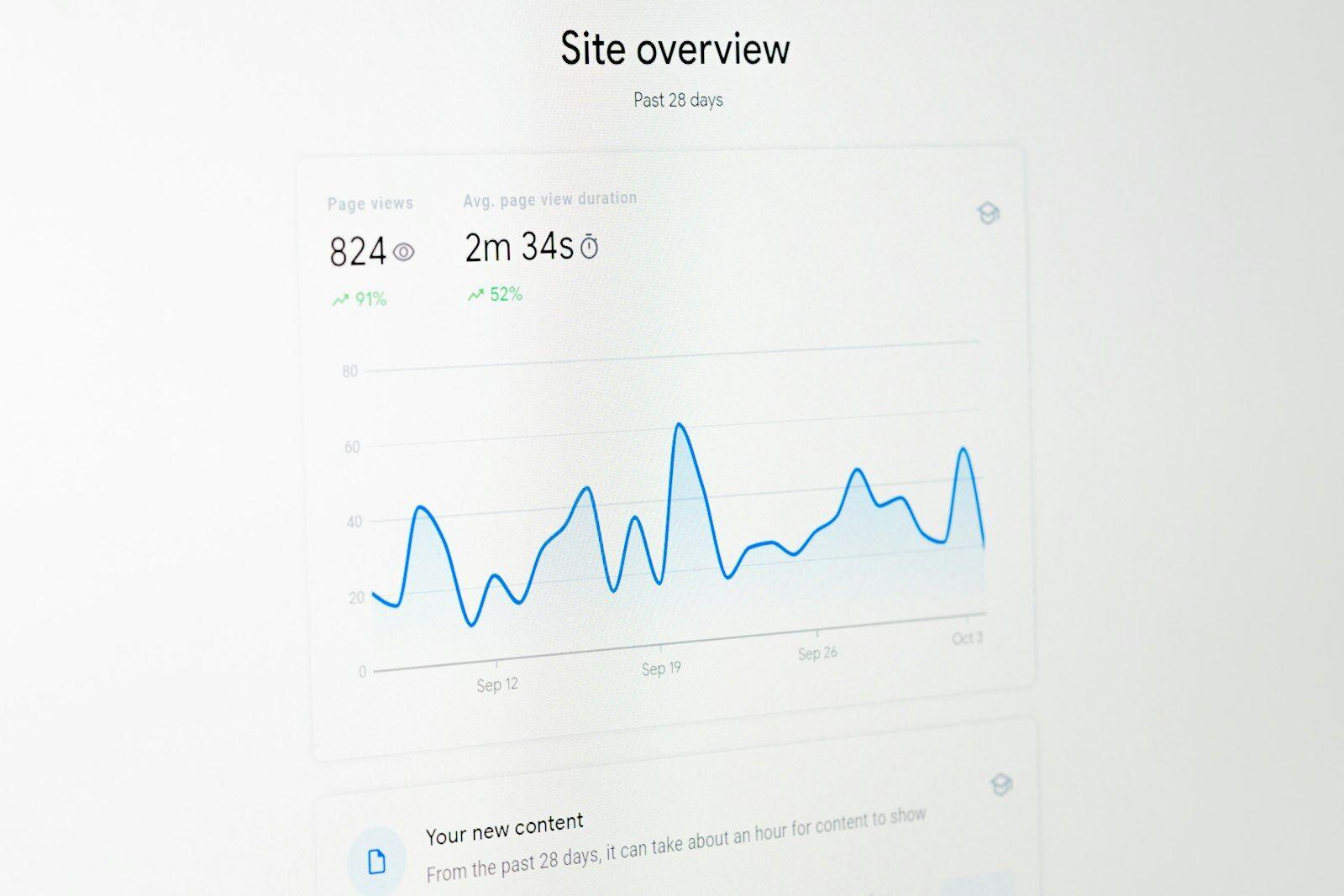
Fluctuations in the first weeks are normal while Google picks up the new addresses. For a typical firm website with a few dozen pages, this is usually done within a few weeks. During this time, regularly check:
Checks in the first six weeks
- Search Console, “Pages” report: are 404 errors or “Excluded by noindex tag” rising?
- Performance report: clicks on the most important pages compared with the period before launch
- Check new 404 errors one by one and add a redirect if needed
- Compare enquiries by form and phone with the previous month
- Check how the most important pages look in search results with the Google preview
- Directories and Google profile show the new address
How to keep an eye on visibility and enquiries over the long term without tracking visitors is shown in the guide to measuring website success.
Typical relaunch mishaps
How to get it right
- Complete and test the redirect spreadsheet before launch
- Remove the test version's lock on launch day and check it
- Test forms with real delivery, and think of spam filters
- Launch on a quiet day, not before public holidays or a vacation
Better avoid
- Redirect all old addresses to the home page
- Delete well-ranking articles because they do not fit the new design
- Cancel the old domain or forget the email records during the move
- Embed new services such as maps, videos or statistics without an updated privacy policy
What a relaunch costs and when a rebuild is worthwhile instead of a revision is described in the guide What does a firm website cost?.
A relaunch without risk
We carry over your existing content, set up the redirects and provide the right imprint for your profession. Request a free preview of your new website.
A no-obligation preview of how your firm website could look with us.
Sources
- Google Search Central – Site moves with URL changes
- Google Search Central – Redirects and Google Search
- Google Search Console – Change of Address tool
- Google Search Central – Block indexing with noindex
- Google Search Central – Build and submit a sitemap
- Digitale-Dienste-Gesetz § 5 (imprint)
- RIS – E-Commerce-Gesetz § 5
- RIS – Mediengesetz § 25 (disclosure)